
Read the results of chosen elements and nodes
Each result component can report only part of the model: the elements you named, the joints and supports you pick. Use it to get the numbers for the members and nodes you care about, without searching a list of every element.
The forces along the beams of a frame.
You need
- A model analysed by Run Analysis.
- For elements by name, an ElementId on their element component: Force Beam Column, ASD Shell, Brick, Ten Node Tetrahedron or Spring Link.
Steps
- Name the elements before you assemble them: type a name into the ElementId input of their element component, such as
Col. One name over twenty curves labels all twenty. Give a list to name them apart:Col_1,Col_2. - Wire the analysed model into Beam Forces, Beam Stresses, Shell Forces, Brick Stresses or Utilisation. Type into its ElementId what to read: a name (
Col_3), a wildcard (Col*,Col_?), an element tag (47) or a regular expression (regex:^Col). A list of them reads every element any of them matches. - For the forces the members bring into a joint, wire the model into Node Forces. Give the node by its Point, within the model's tolerance of a beam end, or by its NodeTag. Each node is a branch, with one item per member meeting there.
- For displacements, give Nodal Displacements the NodeTag of the nodes to read. Node IDs, in the Elements menu of Model View, writes every node's tag on the model.
- For reactions, give Reaction Forces the points of the supports on PointPos: the same points you gave the Support component.
Check
- The Element output lists the elements read, in the order of the results. Deconstruct them for their tags.
- Nodal Displacements' Position output gives where each node read sits, to tie its numbers back to the model.
- An ElementId that matches nothing, a Node Forces point at no beam end and a Reaction Forces point at no support are each named in a warning, rather than read as nothing.
Good to know
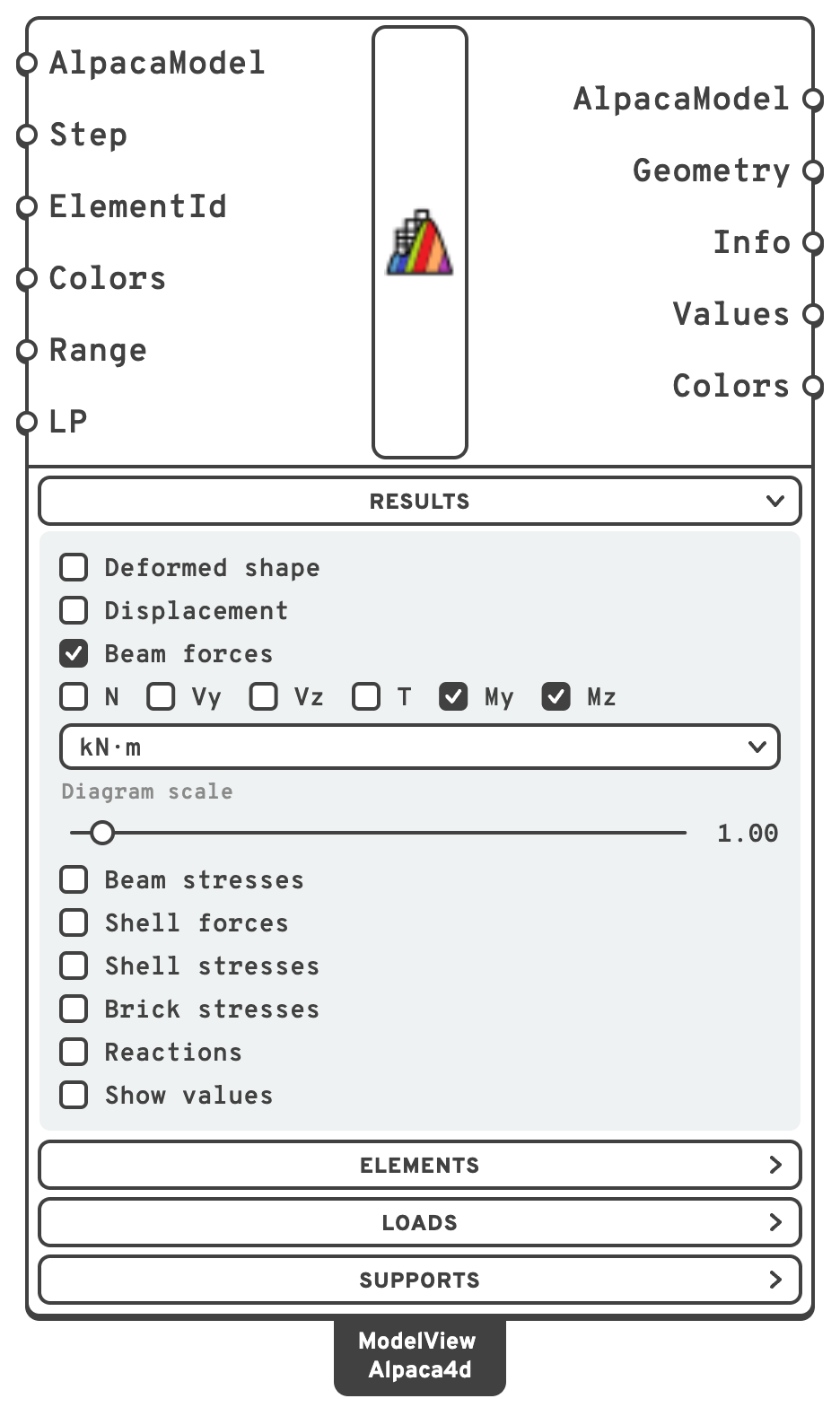
- Type the same text into Model View's ElementId: it draws those elements and greys the rest.
- Each component reads its own kind of element. A shell's ElementId typed into Beam Forces gives a warning that it reads beams only.
- Results come in tag order, whatever order NodeTag or Point gives the nodes in. Node Forces' Position says which node each branch is.
- Reactions are in each support's own axes, the plane SupportPosition gives. For a support placed on a point, those are the global axes.
See also
- Beam Forces — the forces along a beam, and their signs
- Node Forces — the end forces at a joint, and how they balance
- Nodal Displacements — displacements, rotations, velocities
- Reaction Forces — reactions in the support's own axes
- Model View — Node IDs, Element IDs and the ElementId filter