
I Section
An I-shaped (H-shaped) cross-section, allowed to be asymmetric: the top and bottom flanges have independent widths and thicknesses.
🔧 Grasshopper component
I SectionAlpaca4d ▸ 01_Section
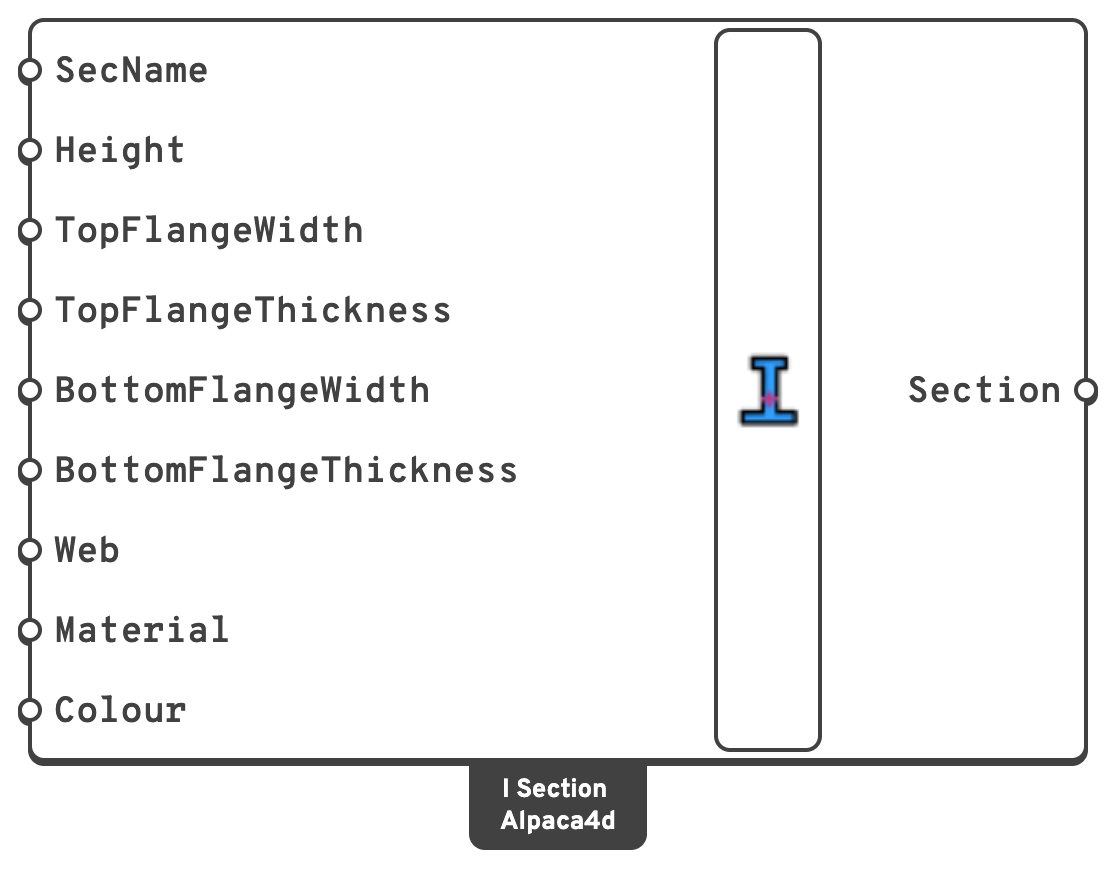
Inputs
SecNameSectionNameLabel for the section.
HeightOverall height, in
m.TopFlangeWidthWidth of the top flange, in
m.TopFlangeThicknessThickness of the top flange, in
m.BottomFlangeWidthWidth of the bottom flange, in
m.BottomFlangeThicknessThickness of the bottom flange, in
m.WebWeb thickness, in
m.MaterialA Uniaxial material.
ColourThe colour the section is drawn in when Model View colours the elements by section.
Left empty, Model View gives each section a colour of its own. Display only: the analysis never reads it.
Outputs
SectionBeam section, for a ForceBeamColumn.
📈 When to use it
Use it when
- The member is a welded plate girder, or any I-profile that is not in the catalogue.
- The section is monosymmetric — a composite beam approximated with a wide bottom flange, a crane girder.
Do not use it when
- The profile is a rolled IPE, HEA, HEB or similar → Steel Section Library, family
I, which has 90 of them and gets the root radii right.
🔗 Relation to OpenSees
tcl
section Elastic $secTag $E $A $Izz $Iyy $G $J $alphaY $alphaZ