
Beam
A uniform line load along the length of a beam element.
🔧 Grasshopper component
Linear Load (Alpaca4d) — Alpaca4d ▸ 05_Load, nickname LinearLoad
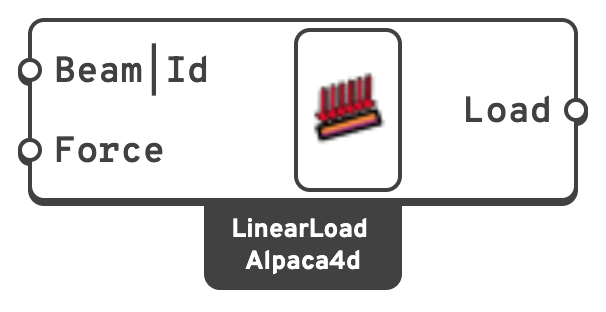
Beam|IdThe beam to load, or text naming the beams by ElementId: Beam_3, a wildcard Beam*, an element tag 47, or regex:^Col.
qx, qy, qz in global axes, in kN/m.The global vector is resolved into the element's local axes before it is written, so a vertical load on an inclined member is decomposed into its local transverse and axial parts automatically.
📈 When to use it
Use it when
- The action is genuinely distributed along a member: façade weight, finishes not modelled as elements, an imposed line load on a beam.
- A slab is not modelled and you are transferring its load onto the supporting beams by hand.
Do not use it when
- The load varies along the member. This is a uniform load only. Approximate a varying load by splitting the beam and giving each piece its own intensity.
- The action is a surface pressure on a shell → Shell Load.
Note
Leaving Beam|Id empty loads all beams, which is convenient but easy to forget. If different members need different intensities, use one component per group. Plug the elements in, or give the group one ElementId on the beam component and type that name here, so the load follows the name instead of a wire.
Each item makes one load, so two names that match the same beam (Beam* and Beam_3) load it twice. A name that matches no beam loads nothing, and Assemble Model warns about it.
The Truss Roof Hall, Roof Canopy and the Vertical and Horizontal Truss Facade examples put a roof's snow and a facade's wind on their members this way: the pressure, in kN/m², times the width each member carries, one load a member from one Linear Load.
🔗 Relation to OpenSees
Inside the enclosing pattern:
eleLoad -ele $eleTag -type -beamUniform $Wy $Wz $WxWy, Wz and Wx are the local components, obtained from the global Force vector through the element's geometric transformation.