
Brick Stresses
The full stress tensor at every solid element, plus the Von Mises equivalent stress.
🔧 Grasshopper component
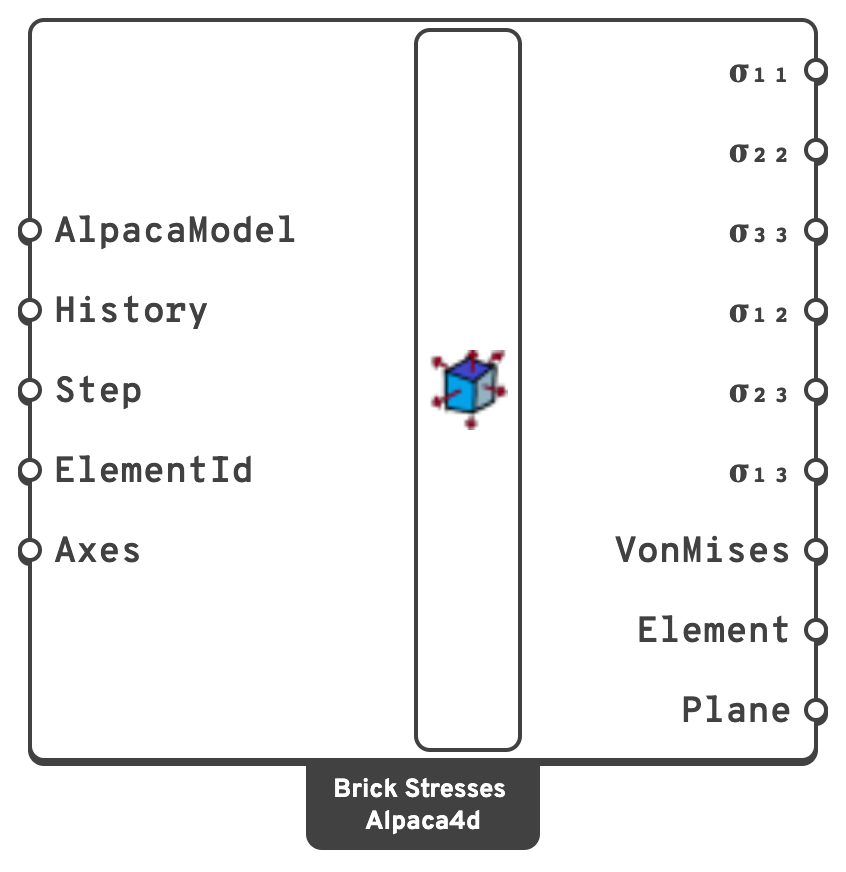
HistoryRead every recorded step instead of one.
{step} holding that step's value per element. Step is ignored.ElementIdRead only some of the solids: an ElementId, a wildcard over them, a tag, or a regular expression.
One value per element. An SSP Brick and a four node tetrahedron have a single integration point; a Ten Node Tetrahedron has four, and its value is their mean, the stress at its centre. The outputs are flat lists, four node tetrahedra first, then ten node ones, then bricks, each in the order they were assembled; the Element output says which is which.
The components are in global axes by default. Set Axes to local to read them in each element's own axes instead — axes 1, 2 and 3 of Local Axes in Model View, worked out from the node order — and the Plane output gives that frame for every element. Von Mises is the same in either.
kN/m².kN/m².With History on, each of them becomes a tree with one branch per step, {step}, holding that step's value per element.
Applies to SSP Brick and Ten Node Tetrahedron elements, and to the four node tetrahedra of a definition made before Ten Node Tetrahedron replaced them.
📈 When to use it
Use it when
- You are checking a solid region against a strength criterion — Von Mises for a ductile material, the principal stresses for a brittle one.
- You need the stress state at a detail: a bearing, an anchorage, a stress concentration.
Do not use it when
- You want a contour → Model View, with Brick stresses ticked, which colours the mesh by any of the seven quantities.
Note
An SSP Brick has a single integration point, at the centroid. Each branch therefore holds one value per element, and the stress you get is an element average — fine for a global picture, coarse near a concentration. Refine the mesh where the gradient is steep.