
Read Time Series
Reads a Path time series from a text file on disk. It is the practical way to get a recorded ground motion into a model — an earthquake record, a measured force history, a wind signal.
🔧 Grasshopper component
Read Time SeriesAlpaca4d ▸ 04_Time Series
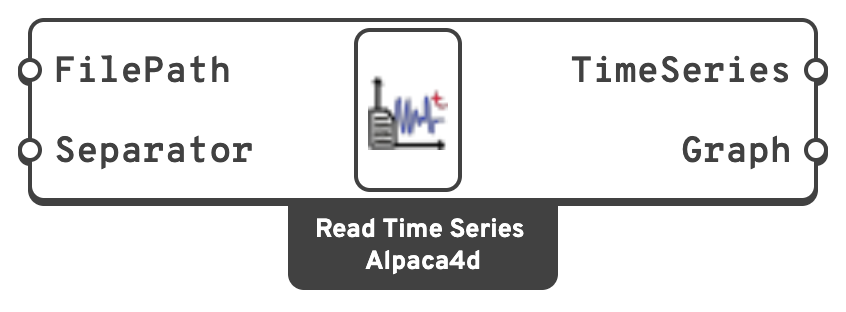
Inputs
FilePathPath to the file. Each line must hold one time–value pair.
SeparatorThe single character separating time from value.
Use
\t for tab-separated files by typing a literal tab, or Outputs
TimeSeriesA
Path time series, for a Load Pattern.GraphThe values, for plotting.
File format
One record per line, time first, value second:
0.000,0.0012
0.005,0.0034
0.010,-0.0021
Every line must split into at least two fields with the given separator, or the component throws and names the offending line. There is no header row and no comment syntax — strip those first.
Note
The values are read verbatim, with no scale factor. A ground-motion record in g has to be multiplied by 9.81 somewhere — either in the file, or on the Factor input of the Load Pattern.
📈 When to use it
Use it when
- The signal already exists as a file, and you would rather not paste thousands of numbers into Grasshopper.
- You are running several records through the same model — swap the path, rerun.
Do not use it when
- The signal is generated in Grasshopper → feed it straight into Path.
- The signal is analytic → Trigonometric or Linear is clearer and has nothing to go stale on disk.
🔗 Relation to OpenSees
Identical to Path — the file is parsed by Alpaca4d, not by OpenSees:
tcl
timeSeries Path $tag -time {t1 t2 ... tn} -values {v1 v2 ... vn} -factor $cFactor -useLast