
Solve large models on every core
An OpenSees built with Mumps factorises the stiffness matrix on every core of the machine. On a large model that makes an analysis 2 to 18 times quicker, and it needs less memory. On a small one it makes no difference.
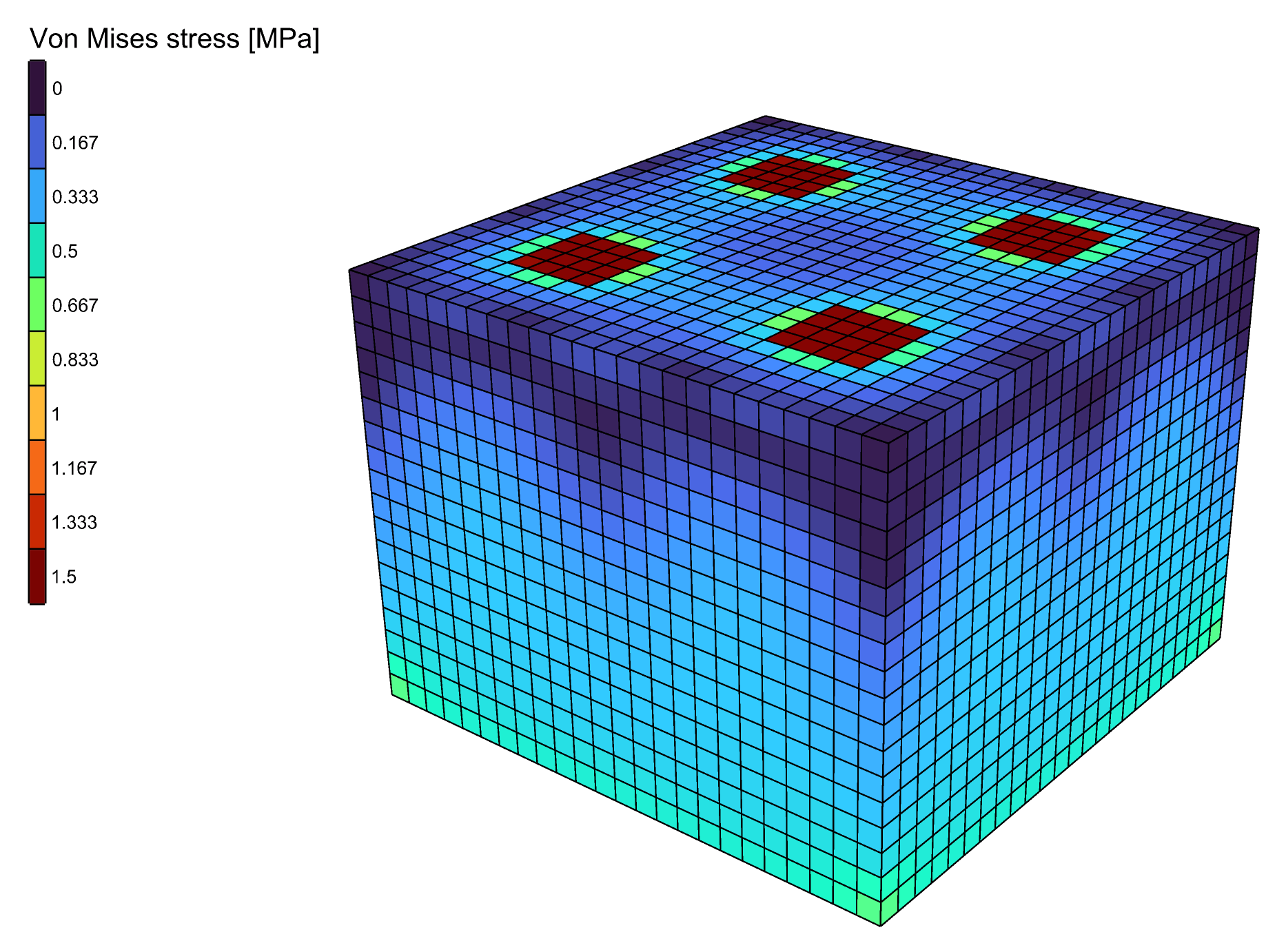
The solver speed test: a block of bricks, solved with Mumps on every core.
You need
- An OpenSees executable built with Mumps. The OpenSees downloaded from UC Berkeley solves on one core. See Setup.
- A model solved by Run Analysis, with Analysis Settings, or by Natural Vibration.
Steps
- In the Grasshopper menu bar, pick Alpaca4d → Settings → Set OpenSees Executable... and select the OpenSees built with Mumps. The path is kept for the next sessions.
- Leave System on Analysis Settings at its default,
Auto. It solves withMumpswhen the OpenSees has it, and withBandSPDon one core when it does not. Nothing else in the definition has to change. - To solve on fewer cores than all of them, right-click Analysis Settings and pick a number under Cores for Mumps. All is the default. The choice is saved with the component.
- Run the analysis as before.
Check
Read the log output of Run Analysis. When the OpenSees in use has no Mumps, Auto writes this line in it, and the analysis solved on one core:
Alpaca4d: this OpenSees has no Mumps solver, so BandSPD solves, on one coreWithout that line, Mumps solved.
Good to know
- Set System to
Mumpsrather thanAutoto be warned: on an OpenSees without Mumps the log then carries a warning, andBandSPDsolves. - Cores for Mumps applies to
Mumps, and toAutoon an OpenSees that has Mumps. Every other System solves on one core. - Natural Vibration needs no Analysis Settings. With its default solver,
-genBandArpack, it uses Mumps on every core when the OpenSees has it. - Most of the gain comes from Mumps itself, not from the extra cores. Going from one core to all of them takes off up to a further quarter.
See also
- Analysis Settings — the timings, and the other solvers
- Setup — choosing the OpenSees that Alpaca4d runs
- Natural Vibration — its eigen solvers, with and without Mumps