
Load Pattern
A load pattern groups loads and attaches a time series that says how the group varies with time. It is the object the analysis actually applies — loose loads never reach Assemble on their own.
🔧 Grasshopper component
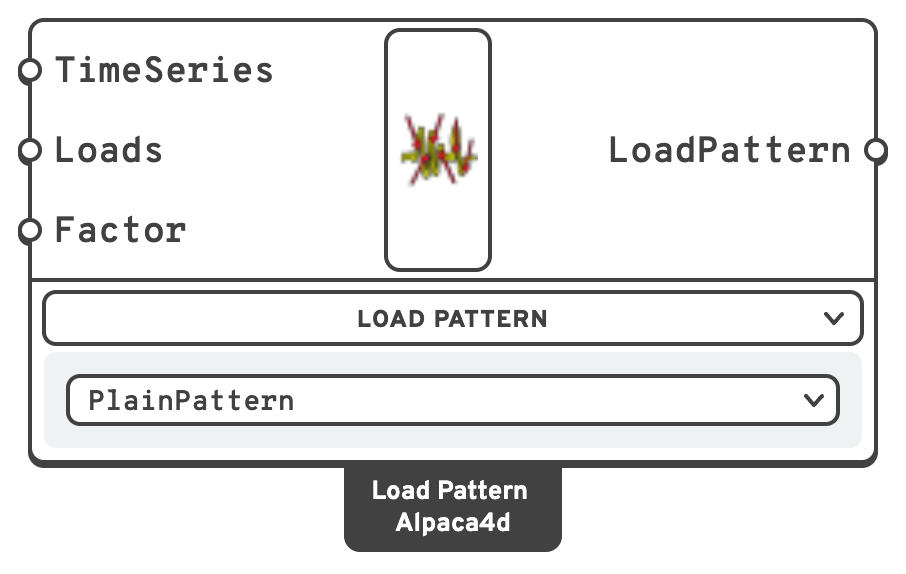
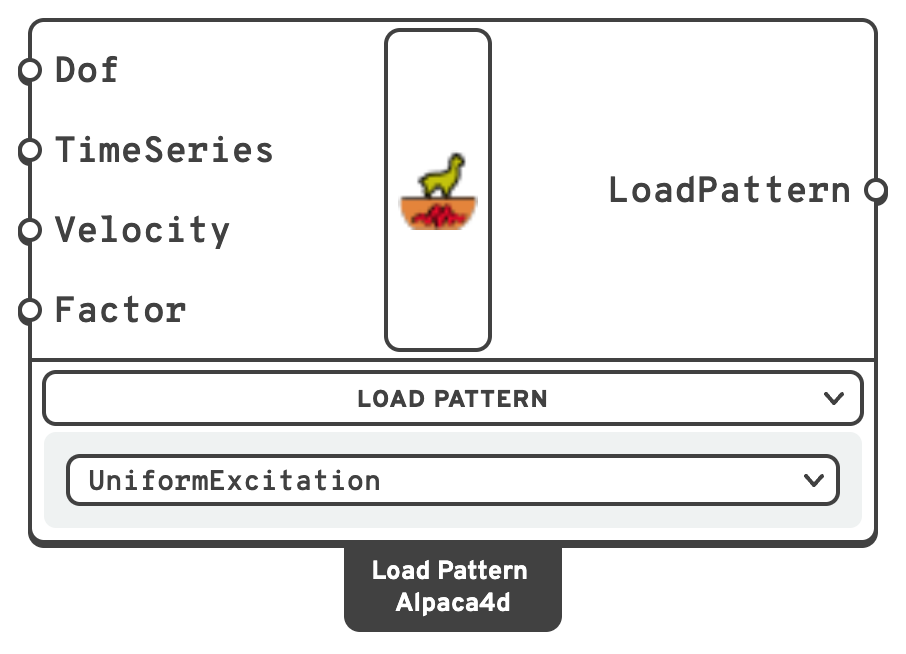
DofDirection the ground motion acts in.
x, y, z (translation along the global axes), xx, yy, zz (rotation about them).m/s.LoadPatterns input of Assemble.A switcher component: pick the unit in the drop-down under it, or right-click it ▸ Units:
- PlainPattern — static and quasi-static load cases.
- UniformExcitation — base acceleration applied to every support.
📈 When to use it
PlainPattern for everything static: dead, live, snow, wind, imposed. One pattern per load case, so you can scale and combine them independently.
UniformExcitation for a seismic time-history run. It shakes the whole base at once, in one direction, and needs a Transient analysis type with a suitable Integrator — Newmark or CentralDifference.
Do not use UniformExcitation when different supports see different motions — that needs multiple-support excitation, which Alpaca4d does not expose.
💡 Workflow
- Build the individual loads.
- Group them into one or more Load Pattern components, each with its own time series.
- Connect the patterns to Assemble.
Keeping loads and patterns separate is what lets the same physical load appear in several cases at different factors.
🔗 Relation to OpenSees
# PlainPattern
timeSeries ...
pattern Plain $tag $tsTag -fact $factor {
    load    $nodeTag ...
    eleLoad -ele $eleTag ...
}

# UniformExcitation
pattern UniformExcitation $tag $dir -accel $tsTag -vel0 $velocity -fact $factor
$dir is the integer the Dof text maps to: X=1, Y=2, Z=3, XX=4, YY=5, ZZ=6.