
Domain Views
Three ways to draw an Interaction Domain in the Rhino viewport: the whole surface in three dimensions, an N–M diagram cut through it, and My–Mz diagrams at chosen axial forces. Each draws on a plane you give it, scaled to a size you give it, with labelled axes; the curves and lines go out as geometry and bake, the labels are drawn on screen.
Wire the Checks of a Domain Check to any of them to see each combination as a black point and where it meets the boundary as a red one, joined by a red line.
🔧 Domain 3D
Domain 3D (Alpaca4d) — Alpaca4d ▸ MomentCurvature_βeta, nickname Domain 3D
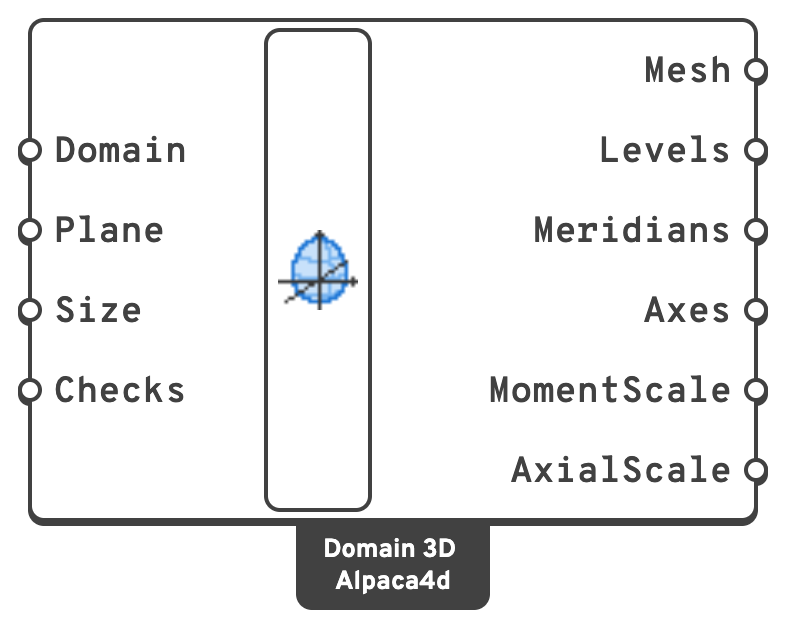
PlaneWhere the origin, no force at all, is drawn, and which way the axes go.
kN·m.kN.My along the plane's X, Mz along its Y, and N along its normal, compression up. The N axis is labelled in N's own sign, tension positive, so its labels grow more negative upwards.
🔧 N-M Diagram
N-M Diagram (Alpaca4d) — Alpaca4d ▸ MomentCurvature_βeta, nickname N-M
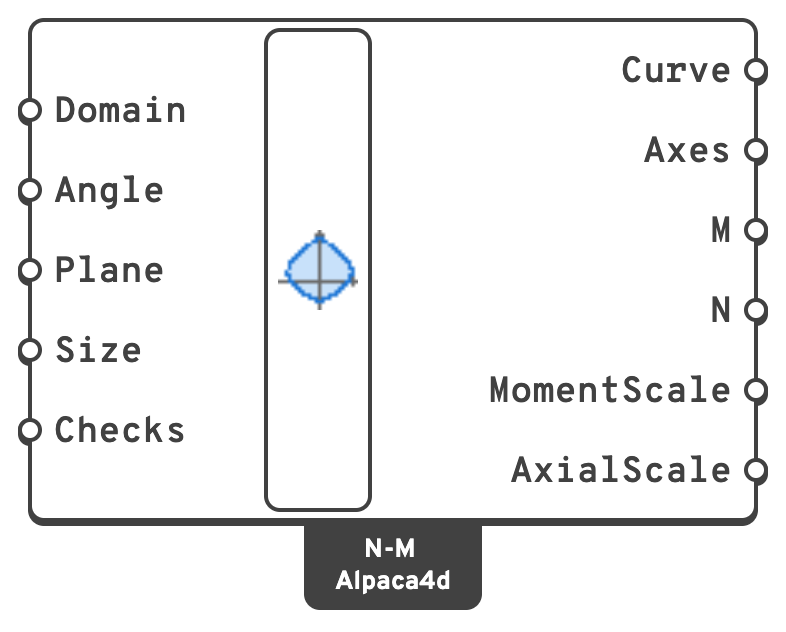
PlaneWhere the origin is drawn, and which way the axes go.
kN·m: My cos Angle + Mz sin Angle.kN.kN·m.kN.The domain cut by the plane that holds the N axis and the moment direction Angle: 0 for the N–My diagram, 90 for N–Mz, anything between for a skew one. M along the plane's X, N along its Y with compression up. Checks are drawn projected onto the cut, so they lie exactly on it only when their moment points along Angle.
🔧 My-Mz Diagram
My-Mz Diagram (Alpaca4d) — Alpaca4d ▸ MomentCurvature_βeta, nickname My-Mz
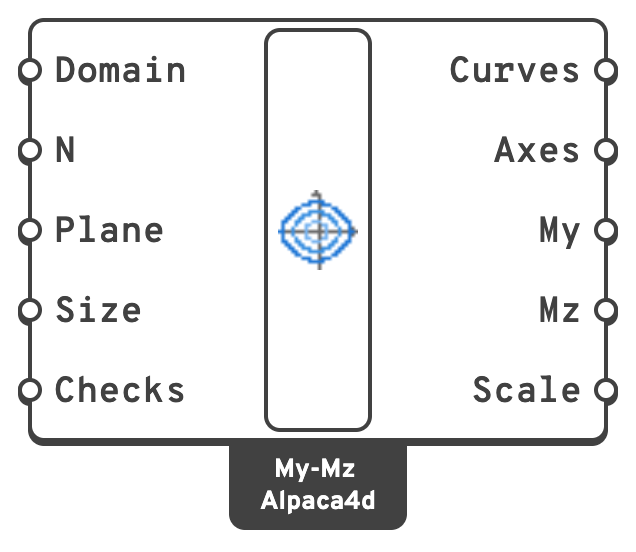
kN.PlaneWhere the origin is drawn, and which way the axes go.
kN·m: one branch for each N.kN·m.kN·m.The domain's level at each axial force N: My along the plane's X, Mz along its Y, to one scale for both, each diagram labelled with its N. Checks are drawn by their moments, whatever their N.