
Serialize
Turns the assembled model into an OpenSees .tcl deck, and optionally writes it to disk.
🔧 Grasshopper component
SerializeAlpaca4d ▸ 10_Utility
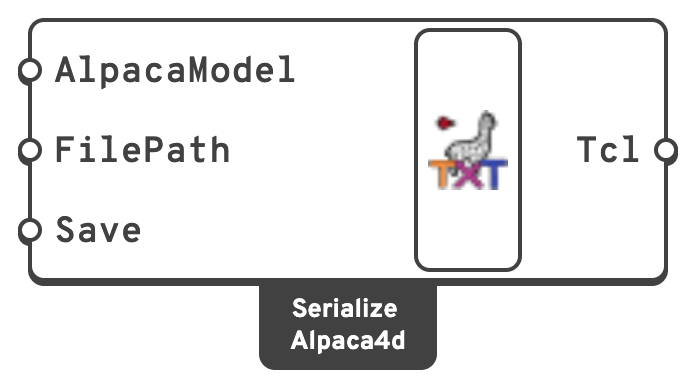
Inputs
AlpacaModelThe model to serialise, from Assemble.
FilePathWhere to write the file.
SaveWrite it. Leave
false and the deck is produced as text only.Outputs
TclThe deck, one line per item.
Plug it into a Panel to read it.
📈 When to use it
Use it when
- You want to see exactly what Alpaca4d is sending to OpenSees. This is the single most useful thing you can do when a result looks wrong.
- You are handing the model to someone who runs OpenSees directly.
- You want to run the analysis outside Grasshopper — on a cluster, in a batch, under a script.
- You want to check a Custom Code block landed where you meant.
Do not use it when
- You just want to run the analysis → Run Analysis writes its own deck into the
AlpacaResultsfolder beside the Grasshopper file, which you can open afterwards.
Note
The deck Serialize produces is the model — nodes, elements, materials, sections, loads, constraints. It does not include the analysis block; that comes from Analysis Settings and is added by Run Analysis. To run the file standalone, append your own analysis commands, or copy them from the deck Run Analysis wrote.