
Mesh Loft
Lofts a series of polylines into a single mesh — the quickest way to get from a set of section curves to geometry that can become elements.
🔧 Grasshopper component
MeshLoftAlpaca4d ▸ 10_Utility
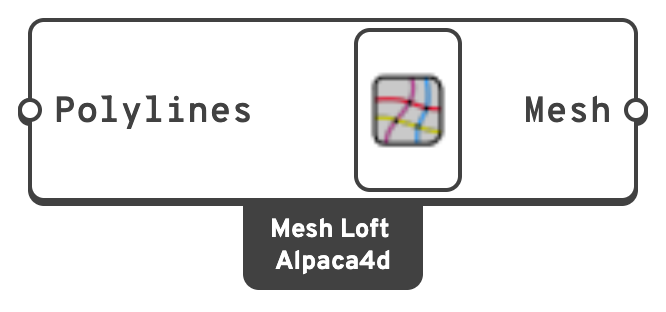
Inputs
PolylinesThe polylines to loft through, in order.
All of them must have the same number of vertices.
Outputs
MeshThe lofted mesh.
📈 When to use it
Use it when
- You are building a surface from a series of profiles — a free-form roof, a shell of revolution, a tapered form — and want it as a mesh with quad faces you control.
- You want the mesh topology to follow the profiles exactly, rather than whatever a general-purpose mesher produces.
Do not use it when
- You already have a mesh. Feed it straight to ASD Shell.
- The profiles have different vertex counts. Rebuild them to a common count first.
💡 What comes next
Polylines ──► Mesh Loft ──► ASD Shell            (a shell surface)
                        └──► Mesh Series to Brick ──► SSP Brick   (a solid)
For a solid, loft the inner and outer surfaces separately and pass both to Mesh Series to Brick.