
Explorer Inputs
Runs a design study: every combination of the sliders, value lists and panels wired into it, one solution each, for Explorer Record to save.
🔧 Grasshopper component
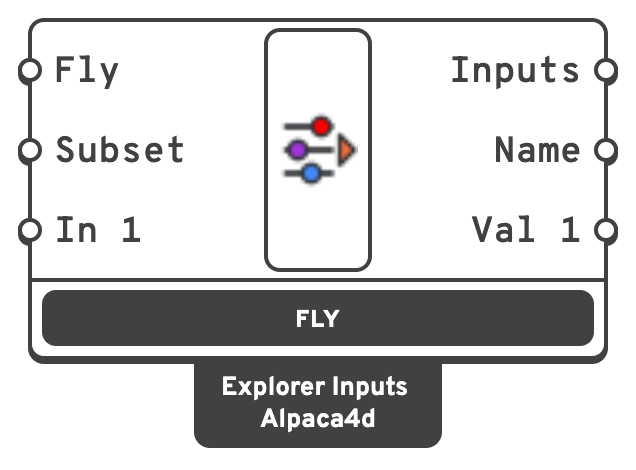
true, like pressing Fly.`In 1`, `In 2`…InputWhat to step through, one per input.
InputsThe inputs of the design being solved, by name.
20_1.5_HEA200.Each input and its output take the name of what is wired in.
Press Fly, under the component, to start. Press it again to stop after the design being solved, or Esc to stop at once; a design Esc cut short is not saved. Right-click ▸ Test fly runs three designs at random, to check the pictures before a long study.
📈 How it steps
| Wired in | Its steps | Written as |
|---|---|---|
| Number slider | Every tick: a 0–10 integer slider has 11, a 0–1 slider with 2 decimals has 101. Even and odd sliders take only their own values. | The number |
| Value list | Every item | The item's name, HEA200, not its expression |
| Panel | Every line (turn on Multiline Data) | The line |
A slider or a value list is moved where it is, so the canvas shows the design being solved and the definition reads it as usual. A panel is not changed: read its current line from the matching Val output instead of from the panel.
The study is every combination, the first input changing fastest. The component shows how many designs that is.
Warning
Name every input. The name becomes the axis in the explorer and the column in data.csv. An unnamed value list would be called List; the component warns and calls it Input 1 until it has a name. Two inputs with the same name stop the study.
Note
Count before you fly. Four sliders of 20 steps are 160 000 designs. Give sliders fewer decimals, or take fewer steps of each with Explorer Subset for a first look.
💡 Notes
- Designs already saved by every recording Explorer Record are skipped without being solved, so flying again only runs what is missing.
- Rhino answers between designs: the button, Esc and the canvas keep working. Changing the definition during a study changes the designs still to come.
- The study is driven one design per idle turn of Rhino, after the viewport has caught up, so each picture shows its own design with any preview, including Alpaca4d's.