
Counter
A self-advancing integer. While Run is true the component re-solves on a timer and increments its output, which drives an animation without touching Rhino's own animation tools.
🔧 Grasshopper component
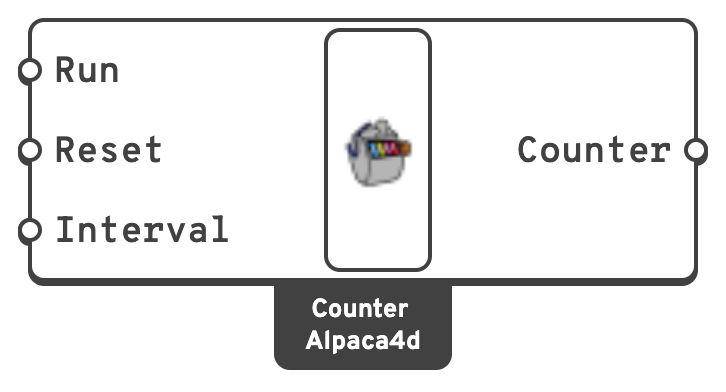
ResetSet the counter back to zero.
IntervalMilliseconds between increments.
📈 When to use it
Use it when
- You want to animate a transient result: feed Counter into the Step input of Model View or any Results component and watch the response play through.
- You want to cycle through mode shapes from Natural Vibration.
Do not use it when
- You want a specific step → a Number Slider is simpler and does not run away.
Warning
The counter has no upper bound and does not know how many steps your analysis produced. Past the last step the result components will fail or return nothing. Clamp it — a Modulus component against the step count keeps the animation looping.
Interval is the timer delay, not the frame rate. If a solve takes longer than the interval, the definition simply runs as fast as it can. Set Run to false before editing anything upstream, or every edit triggers a fresh solve on the timer.
Careful
Never leave Counter upstream of Run Analysis. It would re-run OpenSees on every tick. Run the analysis once, then animate the reading of its results.