
MPCO Recorder
Chooses which results Run Analysis writes to the results file, in place of the set it picks for the analysis type. Untick what you do not need, and a big analysis runs faster and writes a smaller file.
The file is an MPCO (HDF5) file. The Results components and Model View read it back, and STKO opens it too.
🔧 Grasshopper component
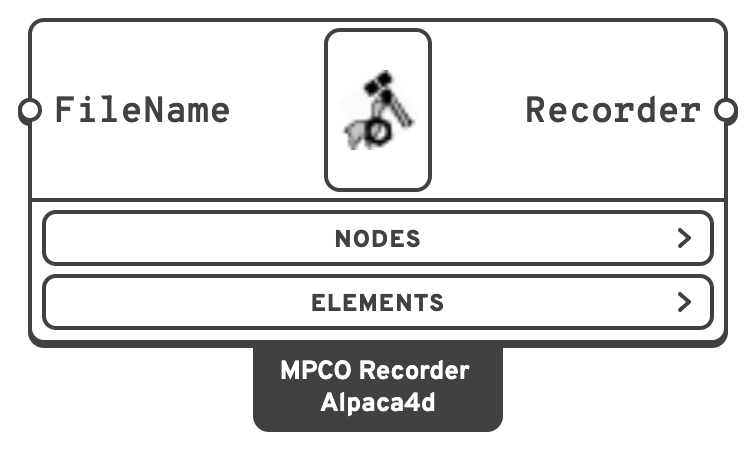
FileNameName of the results file, written beside the Grasshopper document.
_, - and . only, with no folders. A name without an extension gets .mpco.Options
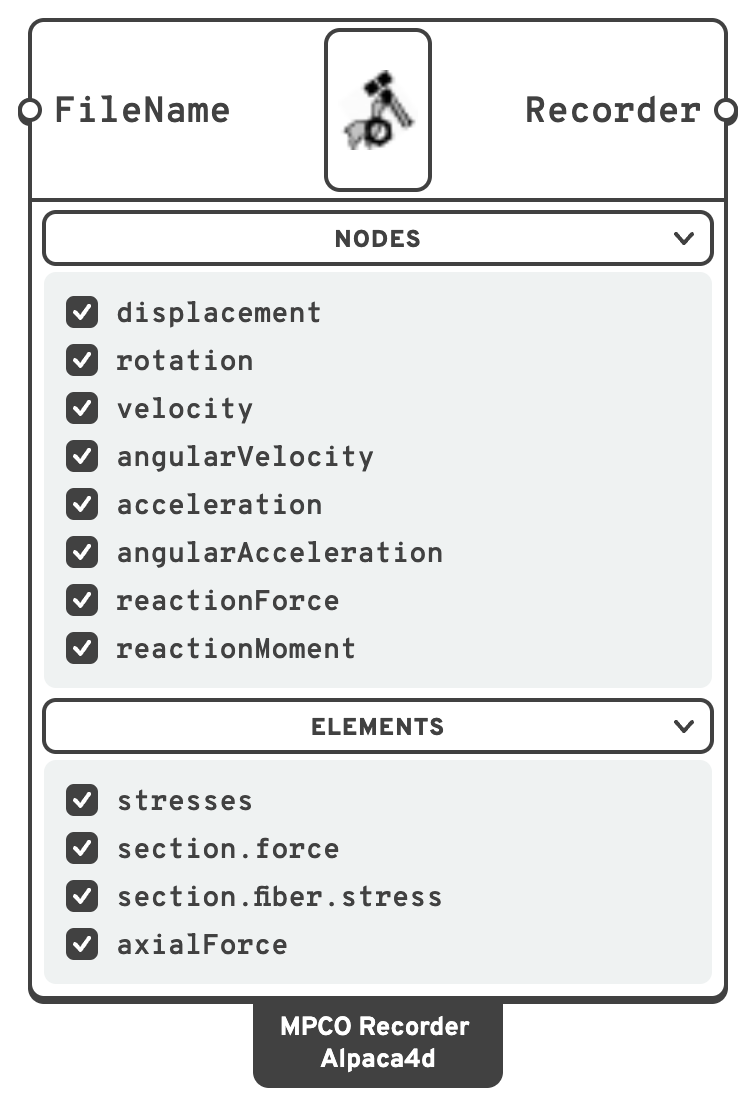
Two menus live on the component body, Nodes and Elements, with one tick box per result. There is a box for every result a result component can read, and all of them start ticked, so adding the component changes nothing until you untick something.
| Box | Read by |
|---|---|
displacement, rotation | Nodal Displacements, Model View, Principal Stress Lines |
velocity, angularVelocity, acceleration, angularAcceleration | Nodal Displacements, after a transient analysis |
reactionForce, reactionMoment | Reaction Forces, Model View |
stresses | Brick Stresses, Model View |
section.force | Beam Forces, Shell Forces, Model View, for every beam with or without hinges and every shell |
section.fiber.stress | Shell Stresses, Model View, for plate fibre and layered shell sections |
axialForce | Beam Forces of trusses. Nothing else answers to it, so it costs nothing in a model without them. |
The first eight are in Nodes, the last four in Elements.
📈 When to use it
Use it when
- A large model or a long transient analysis records results you will never read. Untick them and the run gets faster and the file smaller.
- One Grasshopper document holds two analyses. Give each its own FileName, or the second run overwrites the first one's results.
Do not use it when
- The default suits you. Leave the Recorders input of Assemble empty and Run Analysis picks the set itself (see below).
- You are running Natural Vibration. It always records the mode shapes to
recorder_eigen.mpcoitself, and ignores the recorders on Assemble.
💡 Notes
- What Run Analysis records without one. A static analysis records
displacement,rotation,reactionForceandreactionMoment, plus the three element results. A transient analysis addsvelocity,angularVelocity,accelerationandangularAcceleration. Connect an MPCO Recorder and exactly what it ticks is recorded instead. - Asking for something that was not recorded. The result component says which box to tick. Nodal Displacements leaves that output empty with a note, and still fills the others.
- Only results Alpaca4d can read have a box. MPCO records much more, but no component would read it back yet.
- Every converged step is recorded. There is no option to record every n-th step yet.
- Two recorders cannot share a file. Run Analysis stops with an error if two write to the same FileName.
- Run Analysis with "Do not use settings" ticked runs the deck as it stands, and writes no recorder into it. It warns when Assemble was given one.
🔗 Relation to OpenSees
recorder mpco $fileName -N $nodalResult1 $nodalResult2 ... -E $elementResult1 $elementResult2 ...What a static analysis records when nothing is connected:
recorder mpco recorder.mpco -N displacement rotation reactionForce reactionMoment -E stresses section.force section.fiber.stress axialForceThe MPCO recorder was written by M. Petracca and G. Camata at ASDEA Software Technology.