
Run your own OpenSees script
Run an OpenSees Tcl script of your own from Grasshopper, or add commands that Alpaca4d has no component for to a model built with it.
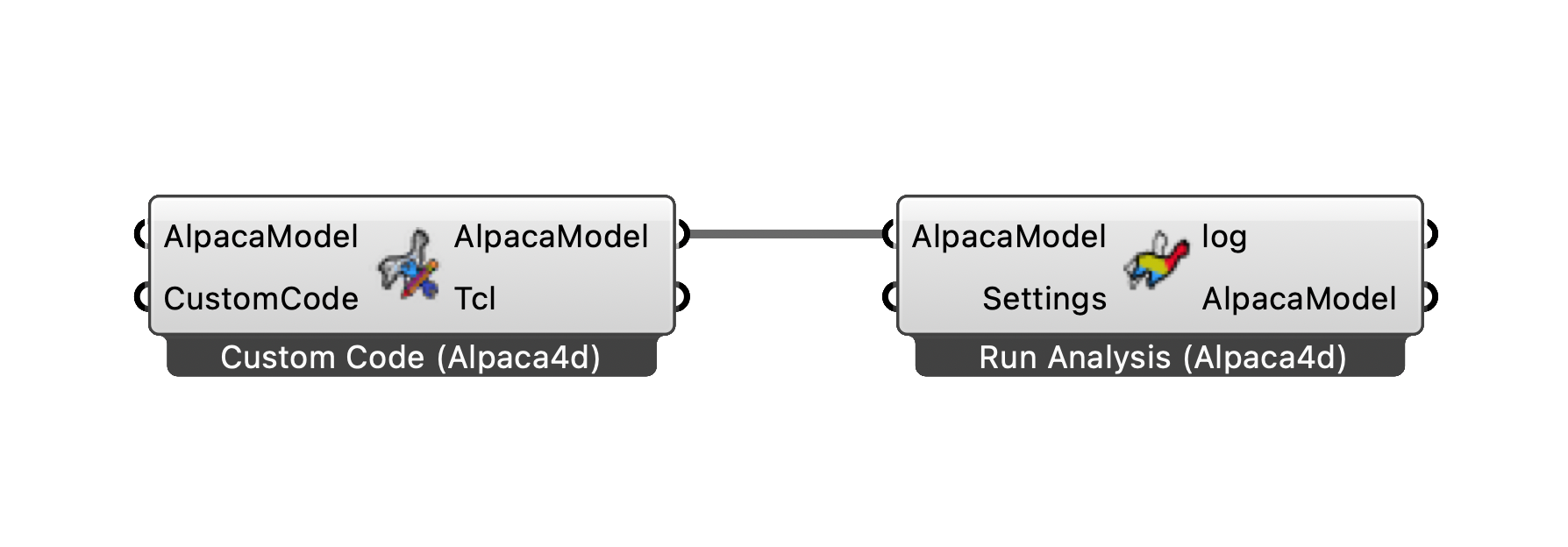
Custom Code adds your lines to the model before Run Analysis.
You need
- The Tcl lines, in a Panel or read from a
.tclfile with Grasshopper's Read File. - Run Analysis, and the Grasshopper file saved.
Steps
A script of your own
- Place Custom Code and wire the lines into CustomCode. Leave AlpacaModel empty: the component starts an empty deck.
- Wire its AlpacaModel output into Run Analysis. Right-click Run Analysis, tick Do not use settings, and leave Settings empty. The script then runs as it stands, so it needs its own
analyzeand recorders. - Run Analysis writes the deck into the
AlpacaResultsfolder beside the Grasshopper file and runs OpenSees in the Grasshopper file's folder, so a recorder your script names without a folder writes there. Read it with Read File.
Commands added to an Alpaca4d model
- Wire the model from Assemble into AlpacaModel of Custom Code, and your lines into CustomCode.
- Wire Custom Code's AlpacaModel into Run Analysis, with Settings from Analysis Settings as usual. Your lines land after the model, before the recorder and the analysis that Run Analysis adds.
- Give anything you define a tag well above the ones in the deck: Custom Code's Tcl output shows the whole deck.
Check
- Run Analysis's log has everything OpenSees printed. Analysis Failed: OpenSees exited with an error means a command failed, and the log names the line.
- Custom Code's Tcl output shows where your lines landed.
Good to know
- Nothing in your lines is checked. A mistake shows as an OpenSees error in the log, not as a red component.
- With Do not use settings, the recorders from Assemble are not written into the script, and Run Analysis warns if there are any.
- Custom Code does not show in Model View. To see an OpenSees model in Grasshopper, read its deck with Deserialise, which skips what Alpaca4d does not model.
See also
- Custom Code — the component
- Run Analysis — the log, and where the files go
- Serialize — the deck of a model, as text or a file
- Custom Script — an OpenSees portal frame example run from Grasshopper, its output read back