
Design Group
A design group is a set of beams that the Section Optimiser sizes from one list of sections. The beams are named by their ElementId, the way the result components pick them, so a group needs no wire back to the beam components.
🔧 Grasshopper component
Design GroupAlpaca4d ▸ 12_Optimisation
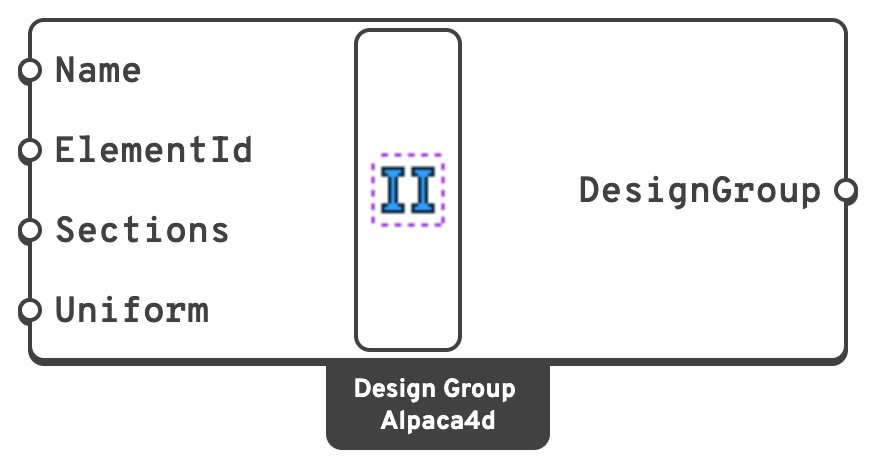
Inputs
NameWhat to call the group in the optimiser's messages and its Group output.
Left empty, the groups are Group 1, Group 2 and so on, in the order given.
ElementIdWhich beams belong to the group: an ElementId (Col_3), a wildcard (Col*), an element tag (47) or a regular expression (regex:^Col), mixed freely.
A beam can be in one group only.
SectionsThe sections the group's beams may have, from the Sections components or Steel Section Library, in the order to try them.
The group takes the first that works, so put first the one you would rather have: the lightest, the cheapest, the one in stock. The list is never sorted. Each needs a steel material and a shape to be checked: an Elastic Section cannot be.
Uniformtrue: every beam of the group takes the same section, the first of the list that all of them work with.
false: each beam takes its own, the first of the list that it works with.Outputs
DesignGroupThe group, for the DesignGroups input of the Section Optimiser.
📈 When to use it
Use it when
- A member drawn as several beams must be built as one: a Uniform group gives it one section.
- Some beams should be sized from a list of your own rather than their family: only the sections in stock, or a mix of families.
Do not use it when
- Every beam can be sized within the family of the section it has: leave DesignGroups empty.
Warning
A section whose material has no steel grade, or with no shape to check, is never picked, and the component warns. Make the material with Material Library Elastic, or name it after its grade (S355).